
PROJECT DETAILS
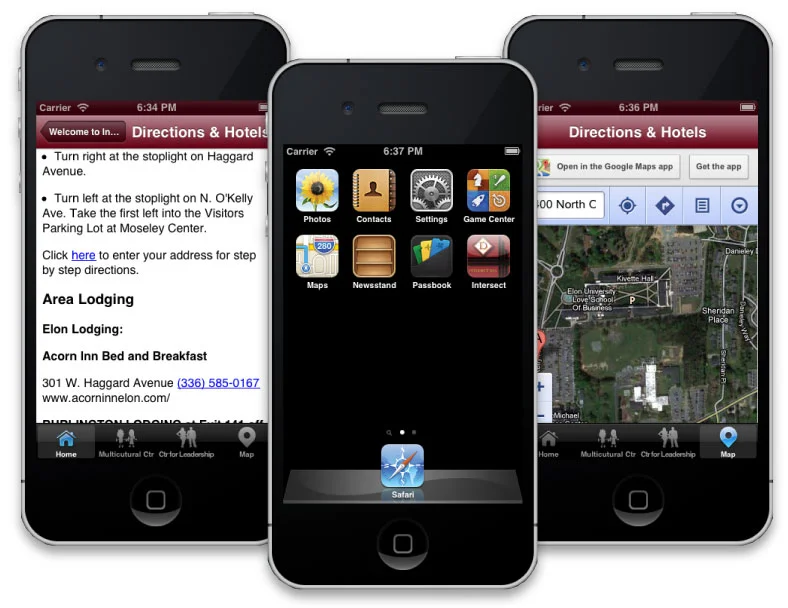
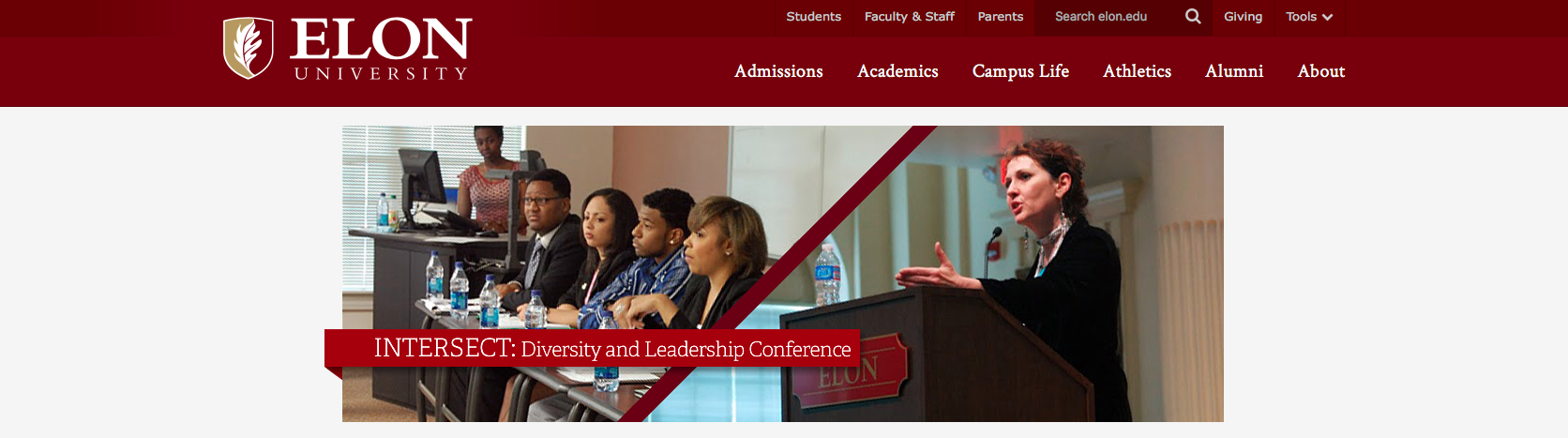
BRIEF: Elon University's Center for Leadership and the Center for Race, Ethnicity and Diversity Education have come together to educate participants on matters of diversity and leadership. Students as well as faculty are enlightened on various topics regarding diversity and leadership umbrella.
CHALLENGE: Design an app that will allow students to register for the INTERSECT 2013: Diversity and Leadership Conference, on the go, at anytime, and anywhere.
ROLE: UX Researcher, UX Designer & Developer
CLIENT: Elon University's Multicultural Center
CONTRIBUTION: Sketches, Wireframes, High Fidelity Mockups
TOOLS USED: Pencil, Paper, Adobe Photoshop, Dreamweaver, iPhone 5, MacBook Pro, Xcode
MY DESIGN PROCESS

USER RESEARCH
This was my very first freelance project since graduating from Elon University. I was tasked by the Director of the Multicultural Center with creating an app for Elon University's Multicultural Center's annual diversity conference, INTERSECT. I must admit I was extremely nervous about doing this job. I didn't want to seem like I was completely lost (though I was), but I wanted to do a good job and deliver a user-friendly app that would serve the purpose the Director wanted it to serve; deliver an app that would allow the students to register for the event on the go and that would also allow them to be update on who the speakers were, the event organizers and to view the conference agenda.
I began this project by going to the Multicultural Center's website and interviewing the Director to find out what her goals were for the app. Basically, she wanted the information about the conference contained within the app. So, I researched the speakers gathering images and bios along with information about the Student Planning Committee.
SKETCHES
I thought about how the information in the app should be laid out and rough sketched the design I wanted.
WIREFRAMES
I love creating wireframes! Below, using my sketches as my guide I created my wireframes using Adobe Photoshop. At the time I was afraid to use Illustrator because I was so intimated by the pen tool and just found PS to be more user friendly.
MOCKUPS
Like wireframes, I found mockups to be fun to create. This time, using my wireframes as my guide I created high fidelity mockups to present to my client.
RESULTS
Sad to say, my app wasn't used for the conference. Since I agreed to creating the app and did not discuss price Director (yeah, yeah I know!), when the final product was completed I didn't have the courage to ask for the fee to put it in the App Store. Throughout the entire process, there were so many other hiccups I ran into as well, such as getting information and feedback in a timely manner.
Even though I felt like this app was an epic fail, I learned so many lessons from this experience. For one, don't doubt yourself! I strongly believe in the saying, "If you don't believe in yourself who will?" This saying rings so true. Throughout the entire time I was developing this app in Xcode, I kept telling myself, "You can do this." Honestly, I had a lot of doubt that I would be able to create an app on my own without any direction; so, I was proud of myself for that accomplishment.
Another lesson learned? Create a proposal to present to the client; even as a newbie in the industry, you can find information about how to create a quick proposal on the Internet. Better still, ask friends or even your professors to assist you or point you in the right direction. A proposal can spell out what your plans are for the project, give your client a timeline and list any costs that may be associated with designing and developing the project.